How to activate notifications
Choose your preferred method and follow the steps.
On iPhone, push notifications only work if you open the site from the home screen, not directly from Safari.
- 1
Open Safari and go to www.alertasprecios.es
Must be Safari, not Chrome or another browser.
Open in Safari nowYou're in another browser. Tap the button to jump to Safari and continue.
- 2
Tap the Share button
It's the box icon with an upward arrow (↑) in Safari's bottom bar.
- 3
Tap "Add to Home Screen"
Scroll through the menu until you find this option and tap it.
- 4
Tap "Add" to confirm
The AlertasPrecios icon will be created on your phone's home screen.
- 5
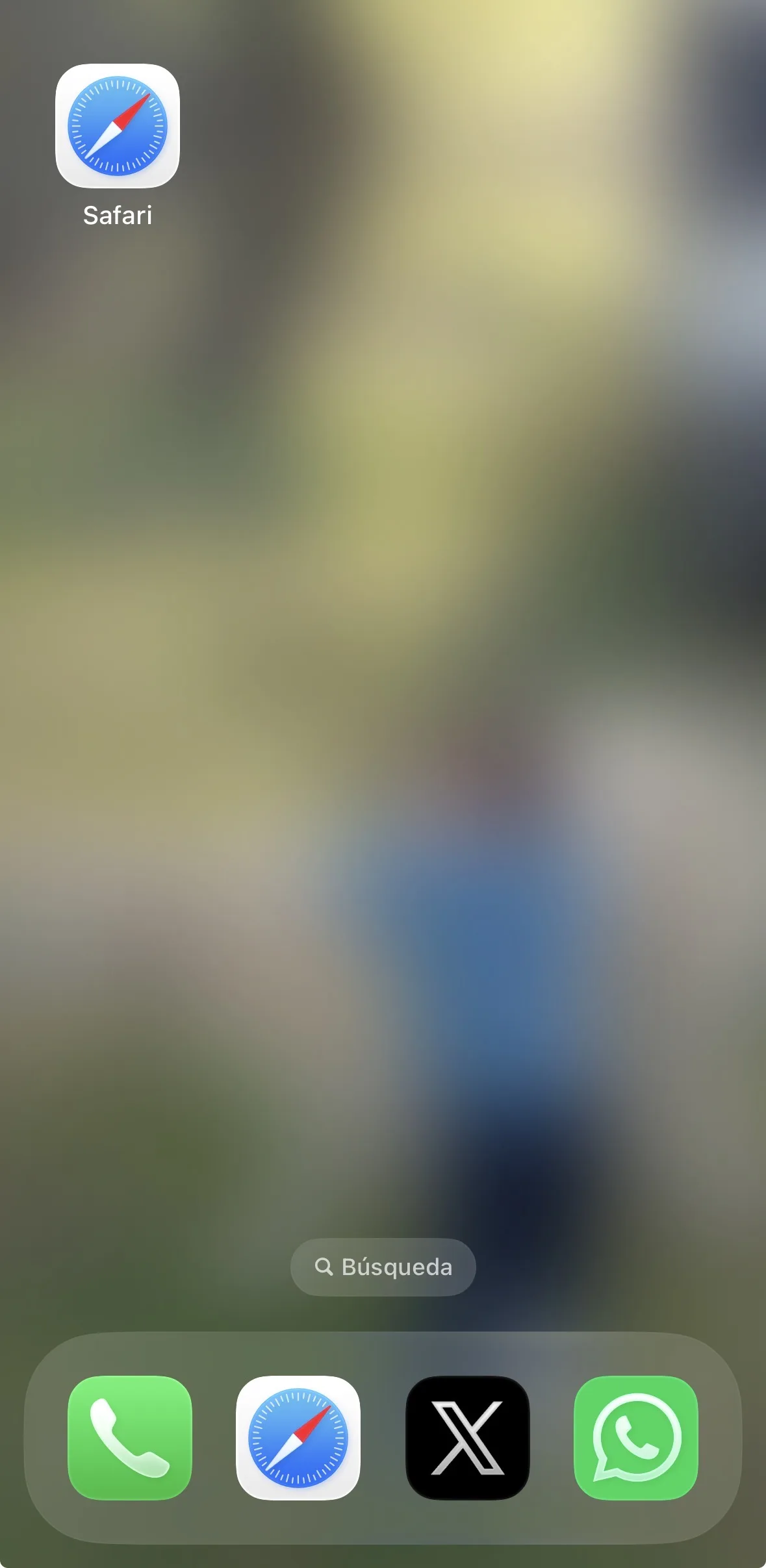
Open AlertasPrecios from your phone's home screen
Tap the icon you just added on your phone, not the Safari one.
- 6
Go to your profile → Notifications
Tap your profile icon (top right) and then "Notifications".
- 7
Under "Notification on your phone" tap "Activate notifications now"
You'll see the "Active on 1 device" message. Done!
Video tutorial
On Android you can receive notifications directly from Chrome. Installing the app on your home screen is optional but improves the experience.
- 1
Open Chrome and go to alertasprecios.es
Also works with Samsung Internet or other Chrome-based browsers.
- 2
Log in to your account
Notifications are linked to your account.
- 3
Go to your profile → Notifications
Tap your profile icon (top right) and then "Notifications".
- 4
Turn on "Notification on your phone"
Chrome will ask for permission to send notifications. Tap "Allow".
Telegram alerts arrive even if your phone is on silent and without needing the browser open.
- 1
Install Telegram
Download Telegram for free from the App Store (iPhone) or Google Play (Android) if you don't already have it.
- 2
Create a product alert on AlertasPrecios
When creating the alert, select the "Via Telegram" notification option.
- 3
Enter your phone number
It must be the number you registered with on Telegram.
- 4
Link the bot on Telegram
In Telegram's search bar, type @AlertasPrecios_robot.
If you have Telegram installed, tap this button to link your account: Open @AlertasPrecios_robot
 - 5
Tap "Start" or send /start
The bot will automatically link your account. You'll get a confirmation message.
- 6
Automatic link not working?
Type in the bot's chat:
/vincular [email protected]using the email you signed up with.
Having trouble? and we'll help.